NewMusic
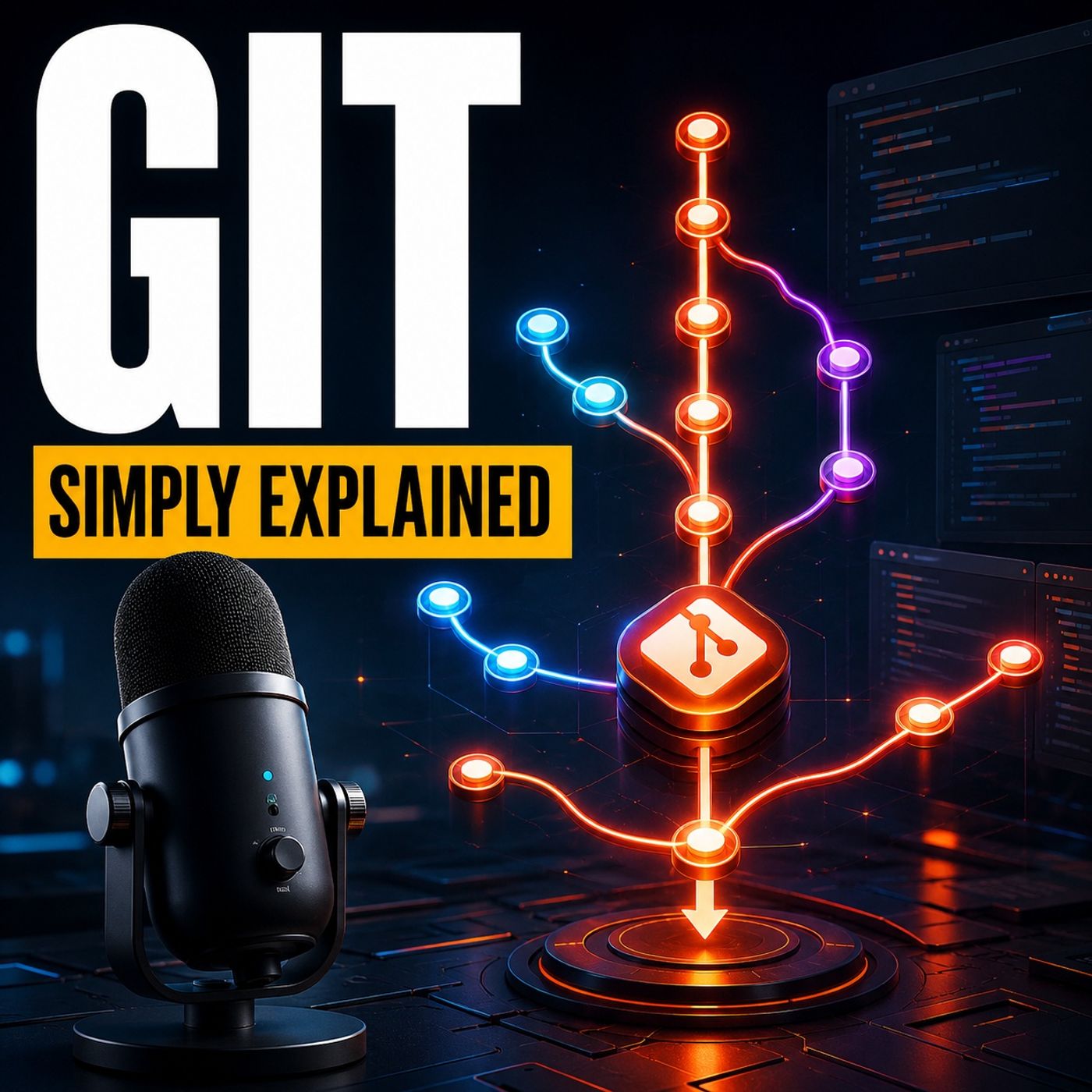 TRACK
TRACKSound
Git - Simply Explained
18:05 duration0 plays0 favoritesMedium quality
Play now
About this track
Git — Simply ExplainedHave you ever broken something that worked yesterday and then searched through folders named “final,” “final-final,” and “use-this-version”? Git replaces that confusion with a clear, traceable history of your project.In this episode of M365 FM, Mirko Peters explains Git in plain English. You will learn how commits create meaningful checkpoints, how the working directory and staging area fit together, why developers use branches, how merges and conflicts work, and where GitHub enters the workflow.WHY GIT EXISTSGit is a version control system that records the history of a project. Instead of duplicating an entire folder whenever something works, Git allows you to create deliberate checkpoints that can be reviewed and compared later.If a new change introduces a problem, Git can show which files and lines changed between versions. This makes investigating a broken application far easier than searching through old folders or attempting to reverse every edit manually.Git works especially well with code and other text-based files because it can identify small differences between versions. It can also track configuration files, documentation, website content, and many other project assets.COMMITS CREATE MEANINGFUL CHECKPOINTSA recorded checkpoint in Git is called a commit. Git does not create a commit every time you save a file. You decide when a completed piece of work deserves to become part of the project history.A commit might add a sign-in option, correct a password-reset link, or update important text. Each commit should contain one clear and related change.Useful commit messages explain what happened. A message such as “Fix password reset link” gives future developers meaningful context. Messages such as “Updates” or “Various changes” make the history much harder to understand when someone investigates a problem months later.Small, focused commits are easier to review, compare, and reverse without affecting unrelated work.GIT WORKS LOCALLY FIRSTGit runs on your own computer. You can create co
From the album
 M365.FM - Modern work, security, and productivity with Microsoft 36523 tracks · Track 8
Welcome to the M365.FM — your essential podcast for everything Microsoft 365, Azure, and beyond. Joi...
→More By Mirko Peters - Founder of m365.fm, m365.show an...
![Beyond Copilot: Building AI That Works in the Real World with Azure AI Foundry and Agentic AI for Frontline Workers with Fergus Kidd [MVP] cover art](https://pbcdn.aoneroom.com/image/2026/08/17/ab3845d5c20880897ac525cdd90431a7.jpg)
![PowerPoint Like a Pro- Hidden Features, Corporate Templates & Copilot with Fiona Walsh [MVP] cover art](https://pbcdn.aoneroom.com/image/2026/08/17/de0317f00e6607502de3daa8a0e465a0.jpg)
![Power Platform Governance Without Killing Innovation: Security, DLP, Environments & Citizen Development with Michael Roth [MVP] cover art](https://pbcdn.aoneroom.com/image/2026/08/17/5a3898f78119bb4a4ef96c2faf8a80b3.jpg)
![From Demo to Production- Building Enterprise AI Agents That Actually Work with Microsoft Copilot Studio with Elliot Margot [MVP] cover art](https://pbcdn.aoneroom.com/image/2026/08/17/0d5cabe86c320468c7bb37ffa09d2714.jpg)
You may also like