NewMusic

 TRACK
Sound
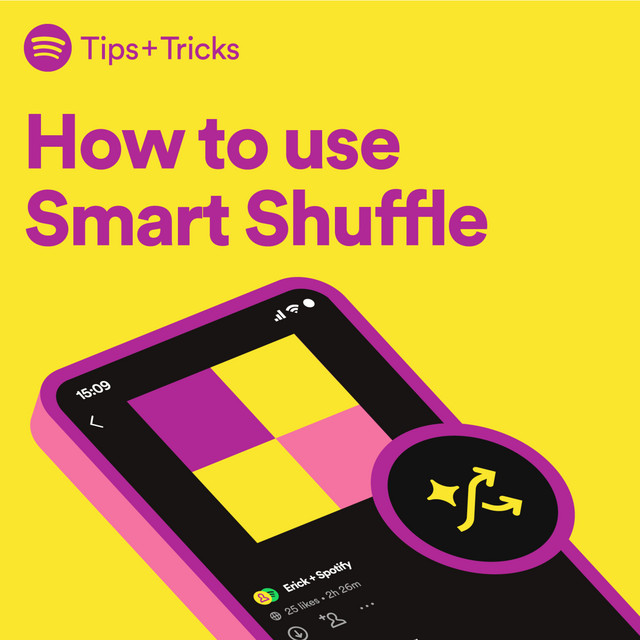
How to use Smart Shuffle to freshen up your playlists
@TIMA Robinson 🍓🥰
1:00 duration0 plays0 favoritesMedium quality
Play now
About this track
Meet Smart Shuffle, now rolling out to all Premium users! In this episode, you'll learn about a new play mode that adds more spice to your playlists with fresh music suggestions that match the mood. Find Smart Shuffle in any of your playlists, or in your Liked Songs when you use Spotify on your mobile device. For updates on new features and tutorials, follow @SpotifyCares on Twitter to learn all things Spotify from the people who know it best. To learn more about Smart Shuffle, visit the Spotify Support site. Time stamps: 0:05 - Intro 0:16 - Where to find the Smart Shuffle button 0:40 - How to use Smart Shuffle
From the album
 Spotify Tips + Tricks25 tracks · Track 4
Welcome to Spotify Tips+Tricks! Here, you can browse tutorials, find answers to your questions and l...
→You may also like